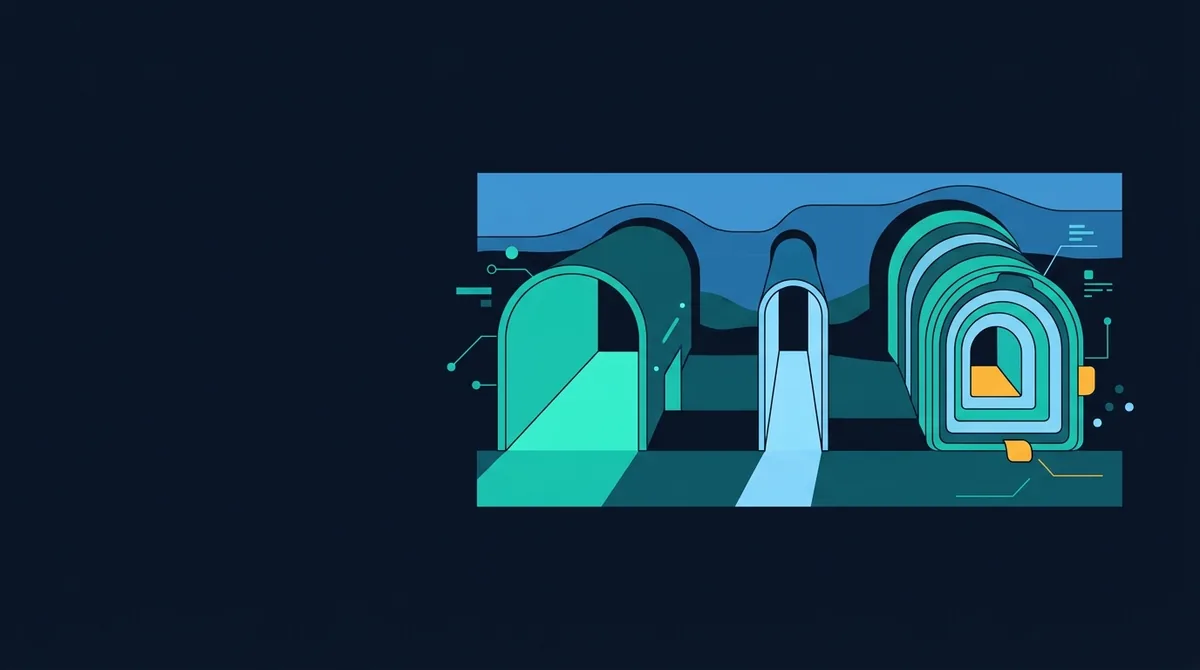
A VPN encrypts all of your device's traffic to one provider's server, which then sees everything you do; a proxy relays one application's traffic, usually without encryption; Tor bounces traffic through three volunteer relays so no single party sees both you and your destination. Choose a VPN to hide from your network, Tor to hide from the destination and a proxy only for a specific program.
The same idea, three trust models
Each tool inserts a machine between you and the website, so the website sees that machine's address instead of yours. The differences are in what travels between you and the machine, how many machines there are, and who runs them. Those differences decide who can watch you, which is the only question that matters for privacy. A useful habit is to ask of every setup: who can see my real address, who can see my destination, and who can read the content? The three tools give three different answers.
VPN: one encrypted tunnel to one provider
A virtual private network client on your device encrypts every packet and sends it to the provider's server, which decrypts it and forwards it to the destination. Modern services use WireGuard, OpenVPN or IKEv2/IPsec; all three are sound when configured properly, and WireGuard is the fastest and simplest to audit.
What a VPN changes: your ISP, a coffee-shop network or a hotel router sees only an encrypted stream to one server and cannot see your destinations or content. The destination sees the VPN server's address and location. What it does not change: the VPN provider now sees exactly what your ISP used to see, namely every destination, its timing and, for unencrypted traffic, the content. You have moved trust, not removed it. A VPN provider's logging policy is therefore the whole product, and an unverifiable "no logs" claim is a marketing statement until an independent audit or a court case tests it.
A VPN does not make you anonymous to the sites you visit. Your cookies, your login and your browser fingerprint all travel through the tunnel unchanged, and the tracking guide explains why the IP address is the least important of those signals. The honest use cases are hiding activity from the local network and your ISP, and appearing to be in another country.
Proxy: one application, often no encryption
A proxy is a server that one application is configured to send requests through. An HTTP proxy understands web requests and can inspect or modify them; a SOCKS5 proxy (RFC 1928) is protocol-agnostic and simply relays TCP connections, and optionally UDP. The critical property is that nothing is encrypted between you and the proxy unless the application's own protocol encrypts it, so an HTTPS page stays private but a plain HTTP request is readable by anyone between you and the proxy, and by the proxy itself.
Proxies also cover only the application configured to use them. Your browser may go through the proxy while the operating system's update checks, your mail client and every other program connect directly, exposing your real address. A proxy is the right tool when you need one program to appear from elsewhere, for example testing a website from another region. It is the wrong tool for privacy.
One detail catches people out: DNS. If the application resolves the hostname itself and then asks the proxy to connect to the IP, your ISP sees the DNS query. With SOCKS5 you can hand the hostname to the proxy instead. The difference is visible in a single command:
# DNS resolved locally, leaks the hostname to your resolver
curl --socks5 127.0.0.1:9050 https://check.torproject.org/api/ip

# hostname passed to the proxy, resolved on the far side
curl --socks5-hostname 127.0.0.1:9050 https://check.torproject.org/api/ip
Port 9050 is Tor's local SOCKS port, which is the usual way an application other than Tor Browser is pointed at the Tor network.
Tor: three relays and no single point of knowledge
Tor is onion routing. Your client selects a path of three relays from the public directory: a guard, a middle and an exit. It wraps each packet in three layers of encryption, one per relay. The guard removes the outer layer and learns only that you are using Tor and where the middle relay is. The middle removes the next and learns only the guard and the exit. The exit removes the last layer and sends the traffic to the destination, learning the destination but not your address. No single relay knows both ends, and the path changes roughly every ten minutes for new connections.
The consequences follow from the design. Tor is slow, because every packet crosses three volunteer-run hops on different continents. The exit relay can read any traffic that is not itself encrypted, so plain HTTP over Tor is readable by whoever runs the exit; Tor Browser enforces HTTPS-only mode for this reason. Sites see traffic arriving from an exit address that is publicly listed as Tor, and many block or challenge it. And the guard relay, which is kept for months to limit exposure, does learn your real address, which is why Tor's threat model states plainly that it does not protect against an adversary who can watch both ends of the connection at once.
Against all that, Tor is the only one of the three in which no company or single operator can log your activity, and the only one designed for anonymity rather than confidentiality. Onion services extend this to the server side: a site reachable only at a .onion address never has its location revealed either. Tor Browser also addresses the tracking problem the other tools ignore, by making every user's fingerprint look alike and clearing all state on exit.
Comparison
| VPN | Proxy | Tor | |
|---|---|---|---|
| Scope | Whole device | One application | Tor Browser, or apps pointed at the SOCKS port |
| Encrypted to the relay | Yes | Usually no | Yes, three layers |
| Who sees your real address | ISP, VPN provider | ISP, proxy operator | ISP, guard relay |
| Who sees your destination | VPN provider, destination | Proxy operator, ISP if DNS leaks, destination | Exit relay, destination |
| Who can read unencrypted content | VPN provider | Anyone on path, proxy operator | Exit relay |
| Speed | Near native | Near native | Slow |
| Anonymity from destination | Weak | Weak | Strong |
Our recommendation is unambiguous. Use a VPN when the threat is the network you are on or your ISP, and pick the provider on the strength of its audit history. Use Tor Browser when the threat is the destination knowing who you are. Use a proxy for engineering tasks. Do not pay for a "double VPN" or a VPN-over-Tor product expecting the sum of both; you get the drawbacks of each and the trust problem of the VPN provider remains. The secure DNS guide covers the narrower case where you only want to hide the names you look up.
The leaks that undo all three
Every one of these tools can be bypassed by the browser or operating system sending traffic outside the tunnel. Three leaks account for nearly all real-world failures.
WebRTC
WebRTC lets browsers connect directly to each other for calls and file transfer. To do that, it gathers your network addresses, including the public address behind a VPN in some configurations, and a page can read them with a few lines of JavaScript. The WebRTC leak guide explains the mechanism and the per-browser fixes. Run the WebRTC leak test with your VPN on; if the address it exposes is your home address, the VPN is not hiding you from any site that asks. The WebRTC IP leak check in our browser scan reports the same finding.
DNS
If your DNS queries go to your ISP's resolver while the traffic goes through the tunnel, your ISP still sees every hostname you visit. VPN clients are supposed to route DNS through the tunnel; many have failed at it, particularly on Windows with multiple network interfaces. Proxies leak DNS unless the application hands over the hostname, as shown above.
IPv6
Older VPN clients tunnelled IPv4 only. On a network with IPv6, a dual-stack site could be reached directly over IPv6, exposing your real address while the IPv4 path looked protected. A client that either tunnels IPv6 or blocks it entirely is required; anything else is a leak.
How to verify your setup
- Connect the VPN or Tor and load the WebRTC leak test. The public address WebRTC reports must be the tunnel's, not your ISP's.
- Run the browser check and confirm the WebRTC and IP findings are clean; it also reports whether your client hints give away the platform you tried to hide.
- Check DNS by resolving a unique hostname and confirming the resolver that made the query belongs to the tunnel, using any DNS leak test that generates per-visit hostnames.
- Disable IPv6 on the interface if the client does not handle it, then re-run the tests.
- Repeat after every client update and operating-system upgrade; routing changes are the usual cause of a leak that appears months later.
The IP address guide explains what the exposed address reveals and why a leak matters more in some situations than others, and the privacy hub places these tools among the other protections.