
How we scan: bounded, safe, transparent
This page describes exactly what each passive and active scanner does on the wire, how findings become a grade, and what we deliberately do not do. If a check is not described here, we do not run it.
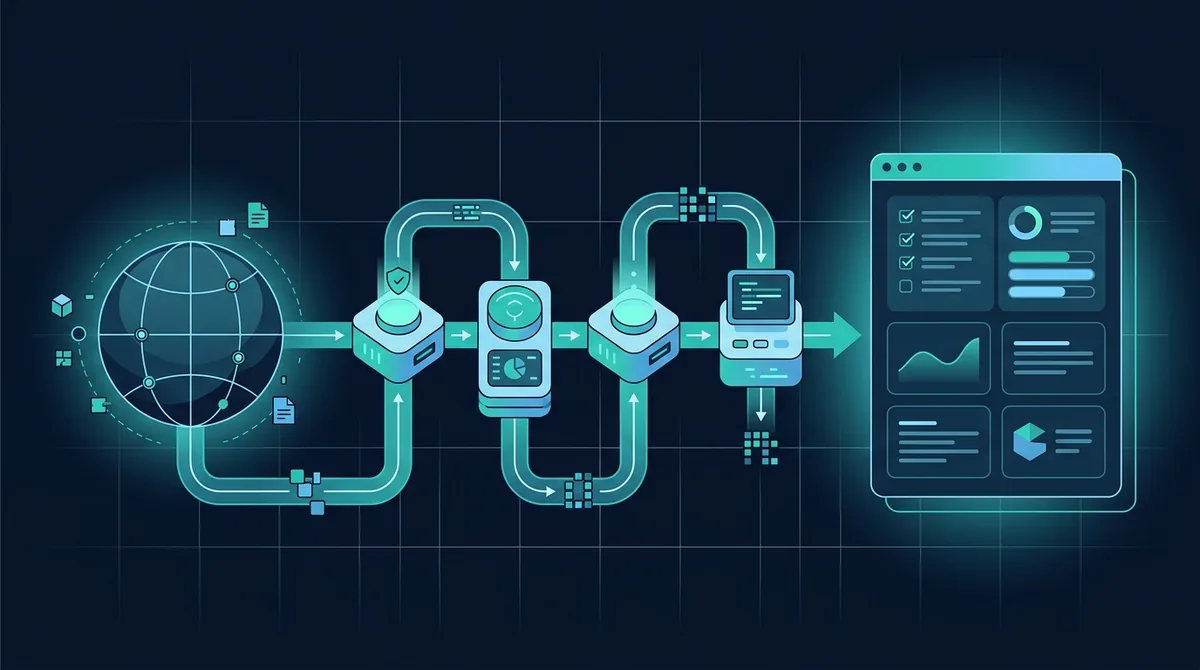
The one rule
The scanner must do only what the selected tool says it will do. General website tools fetch, read and compare public responses. Dedicated active tools require a registered user to confirm ownership or explicit permission, then send only the bounded probe for the named check. We never guess passwords, submit forms, extract data or modify the target. The passive versus active scanning guide explains the boundary in depth.
Website scanner, step by step
- Target validation. The address is normalised, resolved, and refused if it points at a private, loopback, link-local or reserved range. This is re-checked on every redirect hop.
- One page fetch. A single GET with a browser-like User-Agent identifying itself as ScanNowBot with a link to this page. Up to six redirects are followed. The body is capped at 3 MB.
- TLS probes. One verified handshake to read the certificate and negotiated protocol, one handshake per TLS version (1.0 to 1.3) to see which are accepted, and one per weak cipher family (RC4, 3DES, NULL, export, anonymous, static RSA).
- Header and cookie analysis. Values are parsed, not just detected: A CSP with
'unsafe-inline'scripts or an HSTS max-age under six months counts as weak. - Content analysis. Mixed content, insecure form actions, third-party scripts without Subresource Integrity, generator tags, sensitive-looking HTML comments and redirect parameters. Script URLs and, when needed, the first 400 KB of up to 25 scripts are matched against the Retire.js repository.
- Exposure probes. Twenty fixed paths such as
/.git/HEAD,/.envand/phpinfo.php, plusrobots.txt,security.txtand, if WordPress is detected,readme.html,xmlrpc.phpand the users REST endpoint. A random path is requested first so soft-404 pages are not mistaken for hits; every hit is verified by content, not status code. - DNS. SPF, DMARC, MX, CAA and DS records, forty common DKIM selectors, and the AD flag from a validating resolver.
- CORS and TRACE. One request with a foreign Origin header and one TRACE request.
Total: Roughly thirty HTTP requests, ten TLS handshakes and fifty DNS queries, spread over a few seconds. That is less load than one visitor browsing three pages.
Authorised active web checks
Each active tool has its own page and executes only its named check. Reflected XSS substitutes a unique inert script marker into public GET parameters and confirms that it becomes a script element in returned HTML; the marker is not executed. SQL injection uses one quote probe and repeated true/false comparisons, never time-delay, stacked-query, extraction or modification payloads. Open redirect checks redirect-like parameters without following the external destination. GraphQL sends a small __schema query only to same-origin endpoints discovered in the page. CSRF, upload, session-token, accessibility, error-disclosure, API-surface and performance tools inspect the public response and do not submit anything.
Path traversal and SSRF are restricted to an exact hostname the account has proved it controls. Path traversal reports only a recognised local-file signature. SSRF substitutes a short-lived unique Scan.now HTTPS callback into URL-like parameters and reports only a correlated request; it never supplies an internal, loopback or cloud-metadata address. Authenticated scanning is Premium-only, requires the same verified hostname, uses one transient Authorization or Cookie value, strips it before cross-origin redirects and never stores it.
Scoring
Each failing check subtracts a fixed penalty from 100: Critical 25, high 12, medium 6, low 2. Informational notes subtract nothing. Grades: A+ at 95 or above, A at 88, B at 78, C at 65, D at 50, F below. Severities follow the CVSS qualitative scale and are set per check in the reference; a few are adjusted by evidence, for example a certificate expiring in three days is high while one expiring in twenty-five is medium.
WordPress scanner
When a site is identified as WordPress, a further pass runs on top of the checks above, which reads the REST route index that WordPress publishes at /wp-json/ and ?rest_route=/, and matches the route names against a database of signatures for more than five thousand plugins; a plugin is identified when any of its known routes appear, and the report shows what share of them matched. Plugin and theme slugs are also taken from wp-content paths in the page markup. Versions come from each plugin's readme.txt, each theme's style.css and, for core, the generator tag or a core asset URL. The dedicated WordPress scanner additionally requests readme.txt for a short list of the most popular plugin slugs, after first requesting a random slug so that a host which answers 200 for everything is not misread as running every plugin in existence.
LLM API key exposure scanner
The LLM API key scanner fetches the entered page and follows same-origin scripts, explicitly named JavaScript or JSON chunks, and source maps linked with sourceMappingURL, up to 32 client resources in a quick scan. It also sends ordinary read-only GET requests to a fixed list of common accidental-exposure paths: .env variants, Git metadata, configuration files, SQL dumps, backup archives and runtime configuration. A path is treated as real only when its contents match the expected file type, so a custom 200 error page does not become a false alarm. The free response says only YES or NO. Exact providers, redacted fingerprints, resource URLs and line numbers are available only to the paid account that created the report, including when somebody else has its share link. Premium deep mode follows discoverable same-site links and sitemap URLs, honours robots.txt, scans each crawled HTML page and each unique same-origin client asset, and stops at the plan's 1,000- or 5,000-page limit.
Automated outreach audits use a narrower version of that check because an uploaded email address is not proof of site ownership: They inspect the entered public page and its linked same-origin client assets, report only YES or NO in the email, and do not guess unlinked .env, Git, backup or configuration paths. A matching recipient account can claim the report; sensitive locations still require Premium access.
Paid, signed-in owners may instead provide one transient Authorization or Cookie header for a specific private URL; authenticated mode is intentionally single-page, the value is never stored, and it is removed before a cross-origin redirect. The scanner does not execute JavaScript, submit forms or validate a candidate key with a provider. Matches come from distinctive provider prefixes and provider-specific variable assignments. Raw values are reduced to a short redacted fingerprint in memory before a result object is built; reports, logs and database rows never receive the complete credential. Premium also includes a local folder audit that reads files inside the visitor's browser without uploading them. An optional, Premium-only Python utility performs the same network-free scan on a remote server and can inspect Git patch history.
Every version found is compared against a processed copy of the Wordfence Intelligence vulnerability feed, which covers plugins, themes and core with an affected version range, CVE, CVSS score and whether exploitation needs a login. Records that claim every version with no fixed release are reported separately from version-specific findings, because there is nothing to upgrade to and treating them as a version problem would be misleading. A plugin whose version cannot be read is reported as unknown, never assumed safe.
SEO and site health crawl
The SEO audit combines a site crawl with a rendered test of the entered page. The crawler finds problems that only exist across a site: A duplicate title needs two pages to be duplicated, an orphan page is defined by the absence of links to it, and a redirect chain spans several URLs. It reads robots.txt and honours it, expands one level of any sitemap index, then crawls breadth-first from both the entry point and sitemap to the chosen budget (30, 100 or 250 pages) and three levels deep, four requests at a time with a pause between waves. On a larger site this is a sample, and the report states the percentage of discovered URLs it covered. The crawl itself does not execute JavaScript. A separate Google PageSpeed Insights test renders the entered page and supplies Lighthouse category scores, Core Web Vitals lab metrics and visual captures when that provider is available.
Each page is recorded with its status, full redirect chain, response time, transferred size, encoding and cache headers, then parsed for title, meta description, canonical, meta robots, viewport, language, heading outline, Open Graph and Twitter tags, JSON-LD, hreflang annotations, images with and without alt text, and every link with its anchor text. The site-wide checks are computed from that table: Missing, short, long and duplicate titles; thin main-content regions on indexable pages; duplicate descriptions and body text; crawl depth; broken internal links; and sitemap entries cross-checked against what the crawl actually found. Title length and word count are review signals rather than ranking rules, so isolated short utility pages are informational and repeated thin pages are the failing pattern. Orphan pages are judged only against sitemap URLs, because a crawl that follows links can reach nothing but linked pages and would otherwise be testing something it cannot fail; with no sitemap that check is skipped rather than passed. Where the markup is at fault, the finding carries the source line number, so "no canonical link" comes with the line to add it at.
The browser and crawl results answer different questions. Lighthouse measurements apply only to the entered page and come from Google PageSpeed Insights. Crawl findings apply to the sampled pages and remain based on server-delivered HTML. External destination checks are capped, blocked responses are marked unknown rather than broken, carbon output is an estimate based on measured transfer size and the Sustainable Web Design Model v4, registration dates come from RDAP, and archive dates are public Wayback Machine observations. The SEO grade uses a different curve from the security grades: Each additional failure of the same severity costs less than the one before, because twenty-seven over-long meta descriptions are one template problem rather than twenty-seven separate faults.
Deep scans
Both the website scanner and the SEO scanner can crawl rather than fetch a single page. The crawler is the same in both cases: Breadth-first from the URL you give, internal links only, robots.txt honoured, four requests at a time with a pause between waves, stopping at the page budget you chose.
What differs is what runs on each page. The SEO scan parses the markup for the crawl-wide checks. The deep security scan re-runs the header, cookie, mixed-content, subresource-integrity, inline-script, form and library checks against every page, then merges the results so a single finding reports which pages failed and why. Scripts are fetched once per unique URL across the whole crawl rather than once per page.
Host-level checks are not repeated: TLS, DNS, HSTS and the exposed-path probes run once, because their answer cannot differ between pages. Page-level checks are the ones that genuinely vary, and on real sites they do: A policy applied at the edge to one language prefix and not another, a legacy template still loading an old library, a form left on HTTP after everything around it moved.
Every deep result opens with its own coverage: How many pages were checked, how many internal URLs were discovered, and what percentage that represents. A crawl of a large site is a sample, and a sample presented as an inventory would be a lie about what was tested.
Browser check
Runs in your browser. Fingerprint signals are hashed with SHA-256 before being sent; the server counts hashes and returns how many browsers in our sample share each value, converted to bits of identifying information (bits = -log2 of the share of browsers that match). WebRTC addresses are gathered with a public STUN server and compared with the address your connection presented. Policy-enforcement tests load small pages served with specific headers from /probe/ and observe whether your browser obeyed them. Browser version is compared with the vendors' own release feeds.
File scanner
The file is read into memory and never written to disk or executed. We compute hashes, detect the true type from magic bytes, and then parse the container: OOXML relationships and macro parts, PDF object keywords including inside deflated streams, archive listings and compression ratios, LNK headers, and script text for download-and-execute and obfuscation patterns. Where a signature engine is available to the server, the bytes are streamed to it as well, so a sample that is already classified is recognised immediately. Only the SHA-256 hash and the verdict are stored. Where a finding rests on somebody else’s vulnerability database rather than on our own measurement, the data sources page says whose it is.
What we do not do
- No command injection, destructive SQL, data extraction, stored-XSS submission or arbitrary exploit payloads.
- No password guessing, credential stuffing or login attempts.
- No port scanning beyond the web port in the URL.
- No form submission or file upload in active website checks.
- No scanning of private, internal or local addresses.
- No storage of uploaded files, and no public index of reports.
Limits you should know
These are bounded checks, not a penetration test. They do not execute a browser, test stored XSS, submit POST bodies, evaluate multi-user authorisation or exercise business logic. A clean result means only that the named indicator did not appear in the inputs and responses tested. Fingerprint uniqueness is estimated against our own sample, which is smaller than the web, and file verdicts are indicators rather than proof. Read the guide to reading a scan report before acting on a grade.
