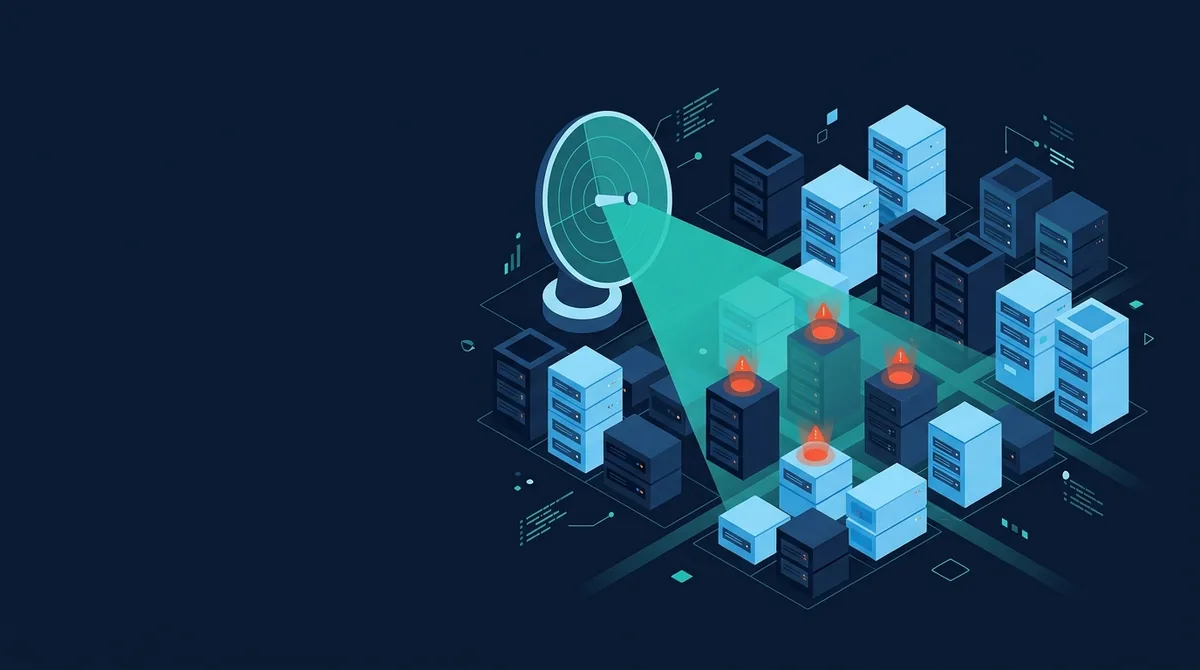
A vulnerability scan is an automated check that compares a target system against a database of known weaknesses and reports every match it finds. It tells you where a browser, website, host or file lines up with a documented flaw, so you can fix the exposure before someone else discovers and exploits it.
Scanning is the cheapest, most repeatable security control most teams have. It does not require an attacker's creativity or a researcher's time; it requires a good, current list of what can go wrong and a disciplined way to check a target against that list. The value and the limits of scanning both come from that single idea: a scanner is only as good as its knowledge of known problems, and it is blind to problems nobody has catalogued yet.
What a scanner actually does
A scanner performs three jobs in sequence. First it enumerates the target: which ports are open, which server software answers, which HTTP headers come back, which JavaScript libraries a page loads, which DNS records a domain publishes. Then it fingerprints what it found, pinning software to versions and configurations to specific values. Finally it matches those facts against signatures and rules: a version string that maps to a CVE, a missing header, a certificate that expires next week, a cookie without the Secure flag.
The output is a list of findings, each with a severity and, ideally, a remediation. That list is a starting point for triage, not a verdict. A scanner reports what is observable and known; it cannot tell you whether a given weakness is reachable in your specific business context or already mitigated by something it could not see.
The quality of every finding therefore rests on two things: how good the scanner is at recognising what it is looking at, and how current its knowledge is. A scanner that fingerprints a server as "nginx" but cannot pin the version will miss version-specific vulnerabilities. A scanner whose vulnerability data is a year stale will miss everything published since. This is why reputable scanners tie themselves to continuously updated feeds, the CVE list, vendor advisories, project security trackers, and community template repositories such as those behind Nuclei and Retire.js. The engine is only half the tool; the data behind it is the other half, and it ages fast.
The main types of scan
People say "vulnerability scan" as if it were one thing. In practice there are several families, each aimed at a different layer.
| Type | What it examines | Typical findings |
|---|---|---|
| Network / port scan | Reachable hosts, open ports, exposed services | Unnecessary services, outdated daemons, admin panels on the internet |
| Host / authenticated scan | A system from the inside, with credentials | Missing patches, weak local configuration, vulnerable packages |
| Web-application scan | A website over HTTP(S) | Missing headers, TLS problems, exposed files, outdated client-side code |
| Configuration / compliance scan | Settings against a hardening baseline | Deviations from CIS or vendor benchmarks |
Scan.now sits in the web-application family and, deliberately, at its non-intrusive edge. It reads what a server volunteers in response to ordinary requests, then reasons about it. That design choice shapes what you can and cannot expect from it, which is the subject of our guide to passive versus active scanning.
The families are not rivals; mature security programmes run several. A network scan tells you what is exposed to the internet at all, before anyone worries about how a single web app is configured. An authenticated host scan sees the patch level a remote scan can only guess at, because it logs in and reads the package manifest directly. A configuration scan measures a system against a hardening baseline such as a CIS Benchmark, catching the default settings that a functional-but-insecure install leaves behind. Each answers a question the others cannot, and the overlap between them is where you gain confidence that a finding is real rather than an artefact of one tool's blind spot.
What a good scan schedule looks like
A scan is a snapshot, and a system's security posture is a moving target. Code ships, dependencies update, certificates approach expiry, and new vulnerabilities are disclosed against software that was clean yesterday. A single scan is a photograph of one moment; security requires a film. The practical answer is to scan on a cadence and on events. Run a scheduled scan weekly so drift is caught within days rather than months, and run an on-demand scan immediately after any change that could alter exposure, a deploy, a new subdomain, a certificate rotation, a dependency bump.
Event-driven scanning matters more than most teams expect, because the riskiest window is right after a change, when a misconfiguration is fresh and unnoticed. A staging environment that mirrors production lets you scan before users ever see the change, turning a would-be incident into a build-time finding. When the report lists more than you can fix at once, the triage discipline below decides the order, and our walkthrough on how to read a scan report turns a wall of findings into a short, ranked list.
Scan versus penetration test
The most common misunderstanding is treating a scan report as proof of compromise. It is not. A scan says "this looks exploitable." A penetration test says "I exploited it, and here is what I reached." The two are complementary, and they cost very different amounts. The person running the test needs written permission before they start, which is the whole of what separates the work from a crime; our article on ethical hacking and what authorisation has to say covers that boundary and how to practise on the legal side of it.
| Vulnerability scan | Penetration test | |
|---|---|---|
| Who runs it | Automated tool | A human tester, with tools |
| Depth | Broad, known weaknesses | Deep, chained and novel attacks |
| Output | List of potential issues | Proven attack paths and impact |
| Cadence | Continuous or weekly | Periodic (often annual) |
| False positives | Common; need triage | Rare; findings are demonstrated |
Our position: scan constantly and cheaply so that a pen test's expensive human hours go toward the creative, chained attacks a scanner can never find. If a pen tester's first day is spent reporting a missing HSTS header or an obsolete TLS version, you paid a premium for something a free scan would have caught.
Reading the results without drowning
A first scan of a real site can return dozens of findings. The skill is triage. Work in this order:
- Sort by severity, then by exploitability. A "critical" that requires local access matters less than a "high" reachable from the open internet.
- Confirm the finding is real. Scanners produce false positives. Reproduce the evidence before you file work.
- Group by root cause. Ten missing headers are usually one change to one server config, not ten tickets.
- Fix the exposed and easy first. Public-facing, high-severity, low-effort items buy the most safety per hour.
Severity usually derives from CVSS, and understanding what that number does and does not measure is its own topic, covered in CVE and CVSS explained. When the report itself feels overwhelming, our walkthrough on how to read a scan report gives a concrete triage order.
What a scan cannot find
Be honest about the blind spots. A scanner does not understand your business logic: it cannot tell that a user can view another customer's invoice by changing an ID in the URL, because nothing about that request looks malformed. It misses zero-day vulnerabilities by definition, because there is no signature for a flaw the world has not catalogued. A passive scanner, in particular, will not confirm injection or access-control flaws, because confirming them means sending the very payloads it refuses to send.
Injection flaws are the classic example of something a passive scan cannot prove; SQL injection explained shows why.
Where Scan.now fits
Scan.now is a white-hat, passive scanner. It never brute-forces, never sends exploit payloads, and never stores what it examines. Point the website vulnerability scanner at any site you are allowed to test and it grades transport security, headers, cookies, exposed files, DNS and client-side libraries, with a fix for each finding. For the transport and code layers specifically, the SSL/TLS checker and the JavaScript library scanner go deeper. All of it is part of the broader picture in the website security hub, and the open-source engines these approaches build on are compared in open-source security scanners.
Use scanning as a baseline hygiene control: run it often, triage honestly, fix by root cause, and reserve human testing for the problems automation cannot reach. That is how a scan earns its keep.